Ross Clifton
Updated :
Ross Clifton
Updated :
If you want to offer your customers the option to pick their items up in-store, you can do so on the Art Storefronts platform. This option will only appear if the user enters an address in the same state as you.
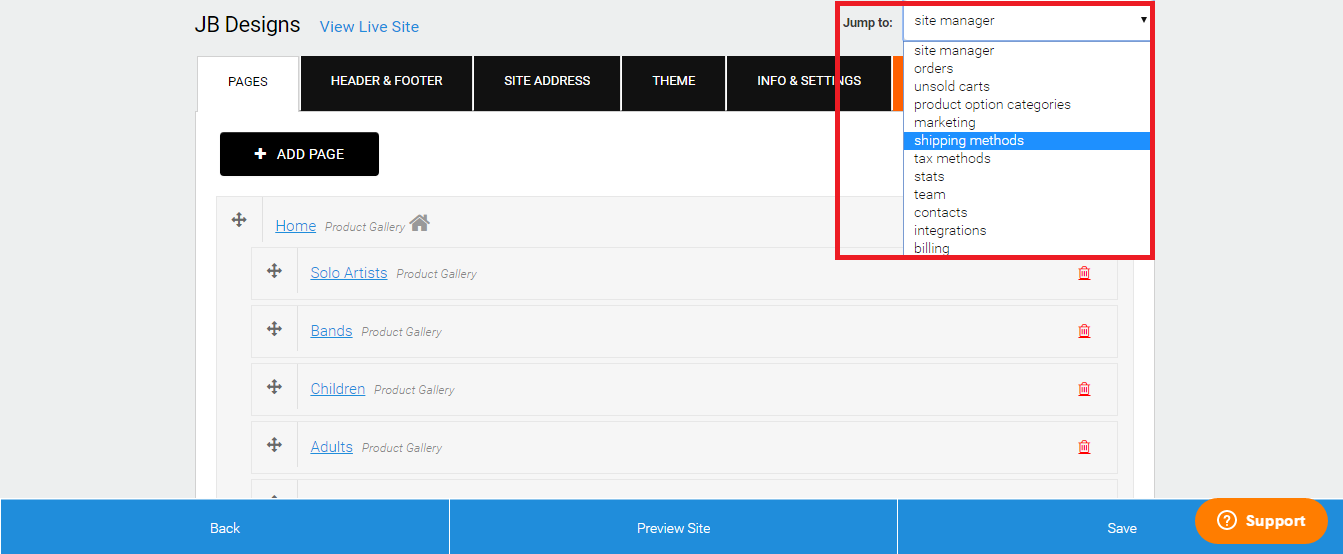
- Log in to your Art Storefronts account, and in the Jump To menu, select Shipping Methods.
- Click on the button labeled Add Shipping Method.

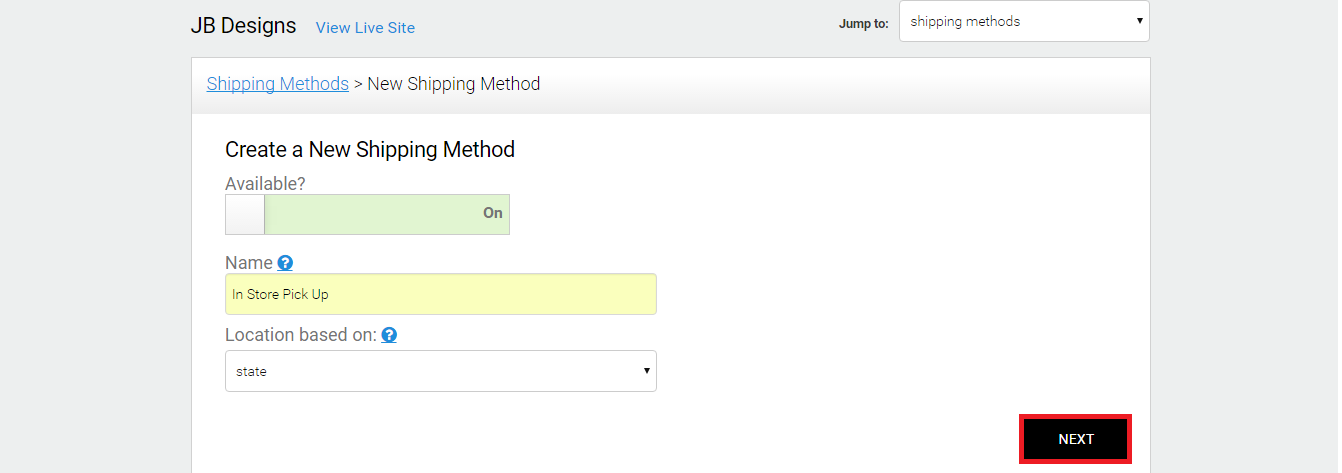
- Make sure the Available slider is On.
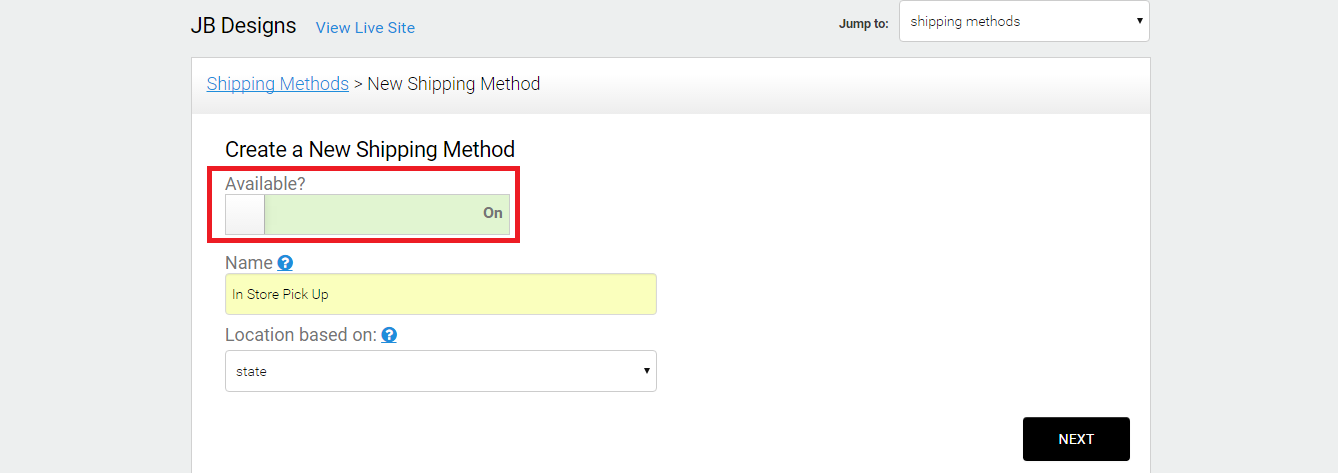
- Provide your Shipping Method with a Name

- In the Location-Based On section, make sure you choose State instead of Country.
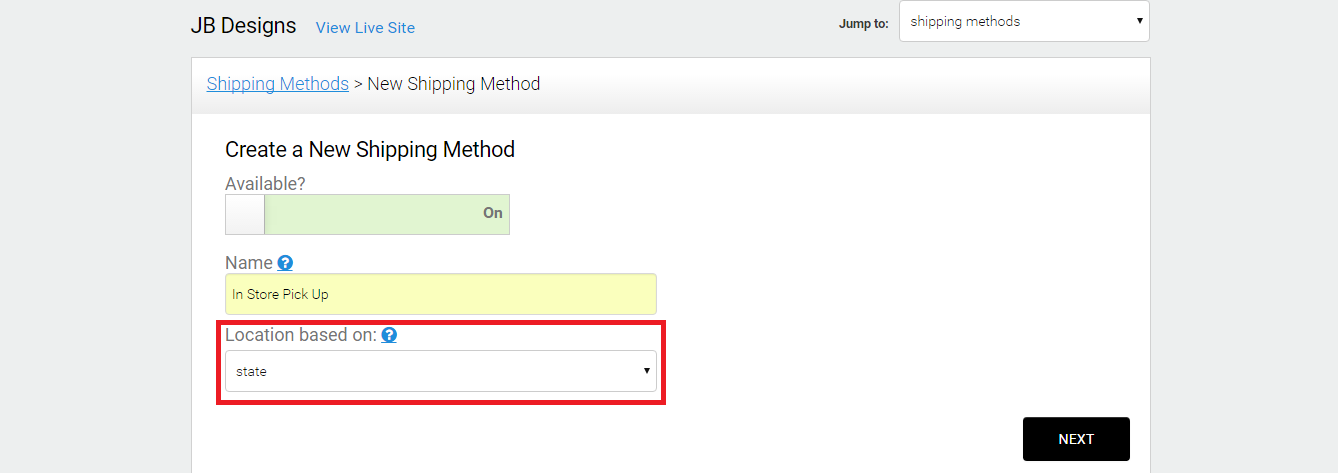
- Click Next
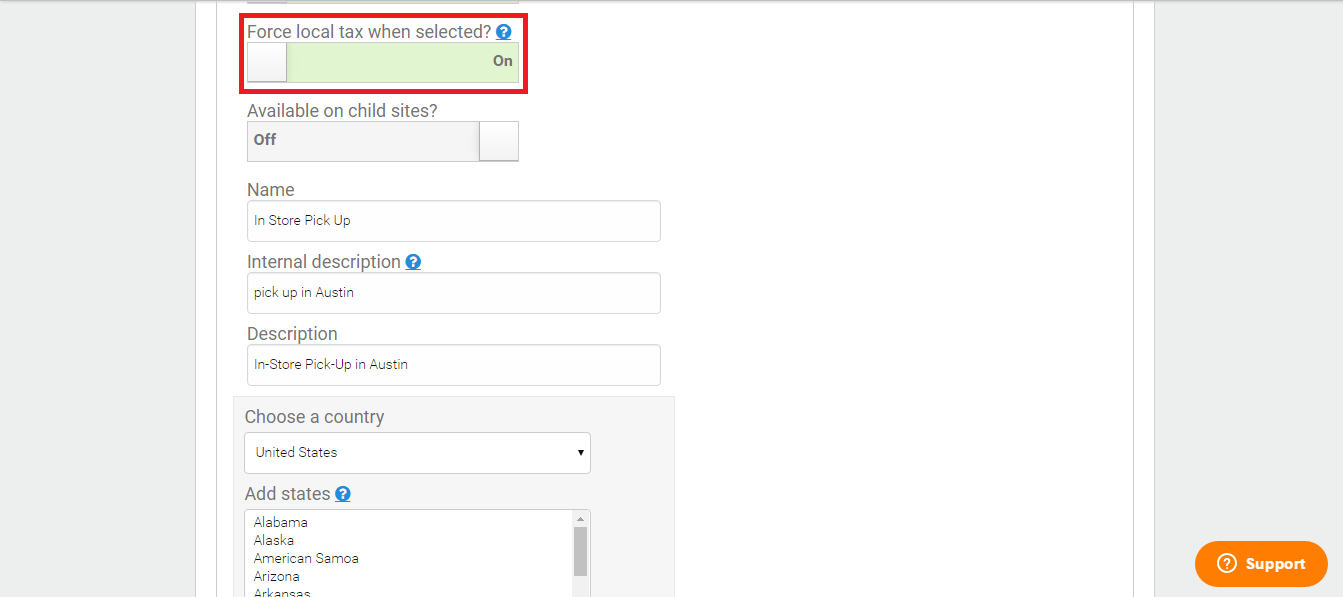
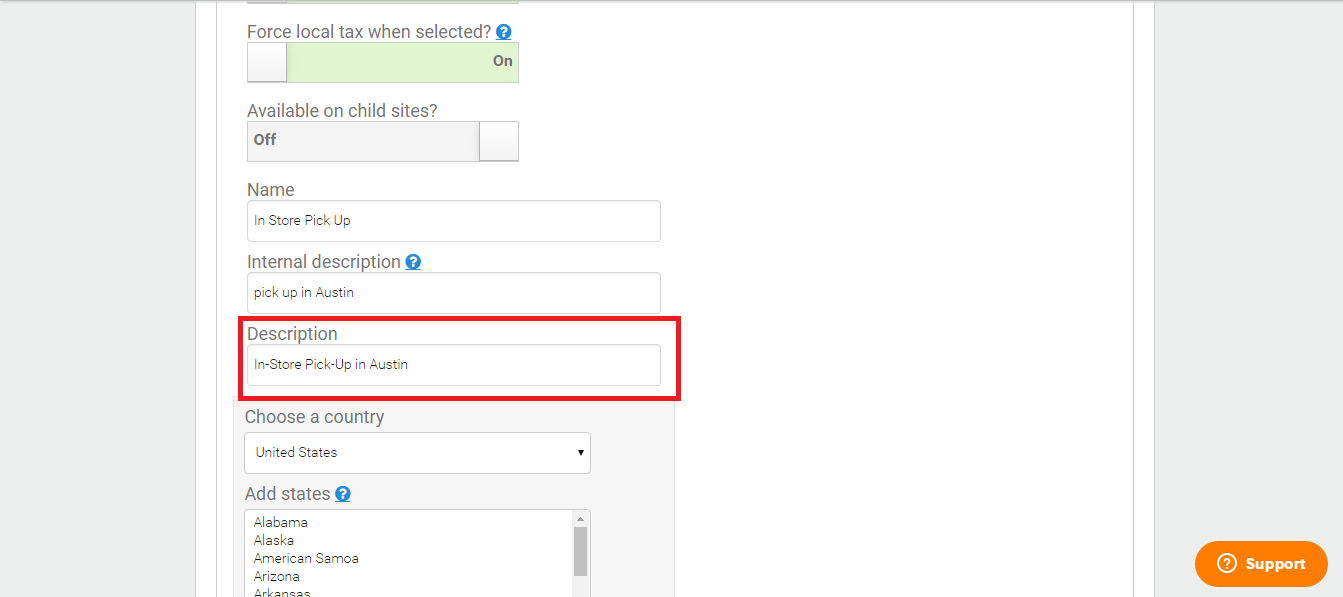
- Force Local Tax must ON. This is intended explicitly for in-store pick-ups that will require local taxes.
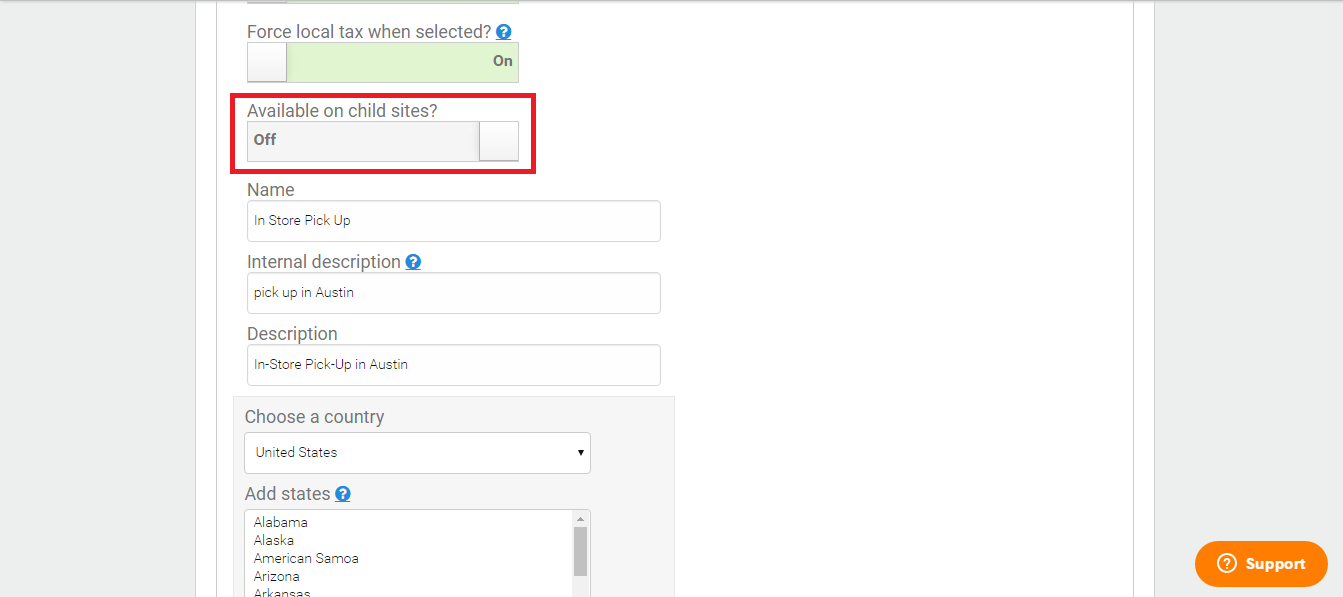
- Available on Child Site must be turned off unless you are a Fulfillment Partner.
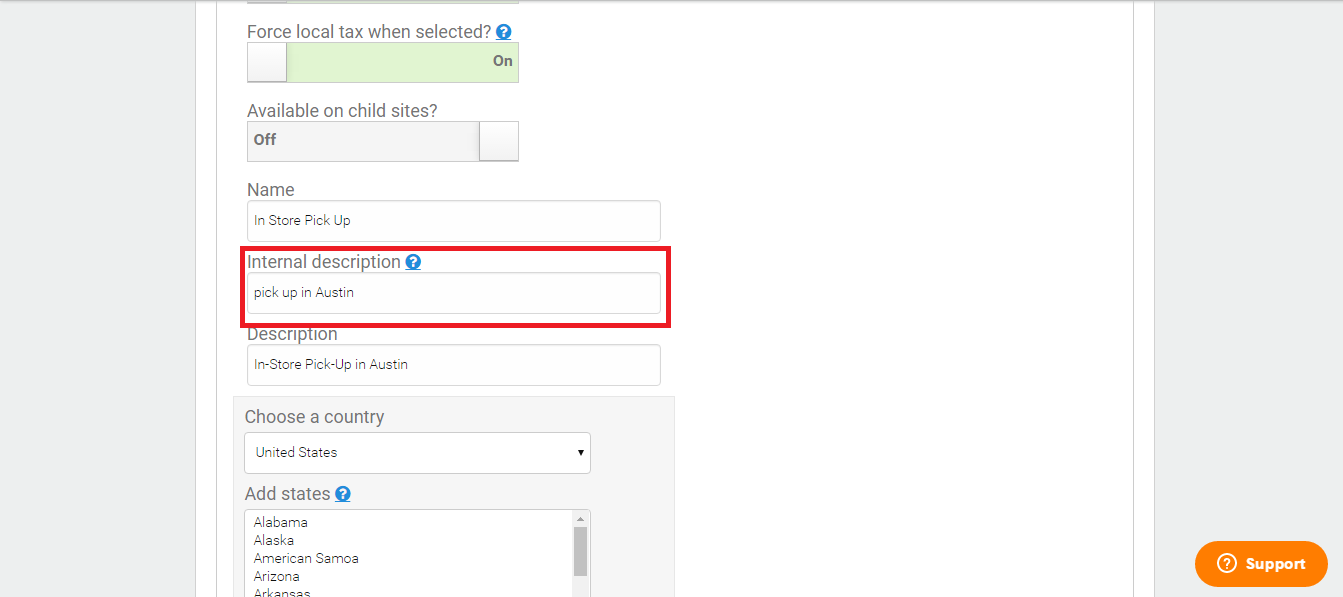
- The Internal Description section is not required but can be used to write a brief description that only you will see regarding this Shipping Method.
- The Description box can be filled with a brief description of the Shipping Method that your customer will see.
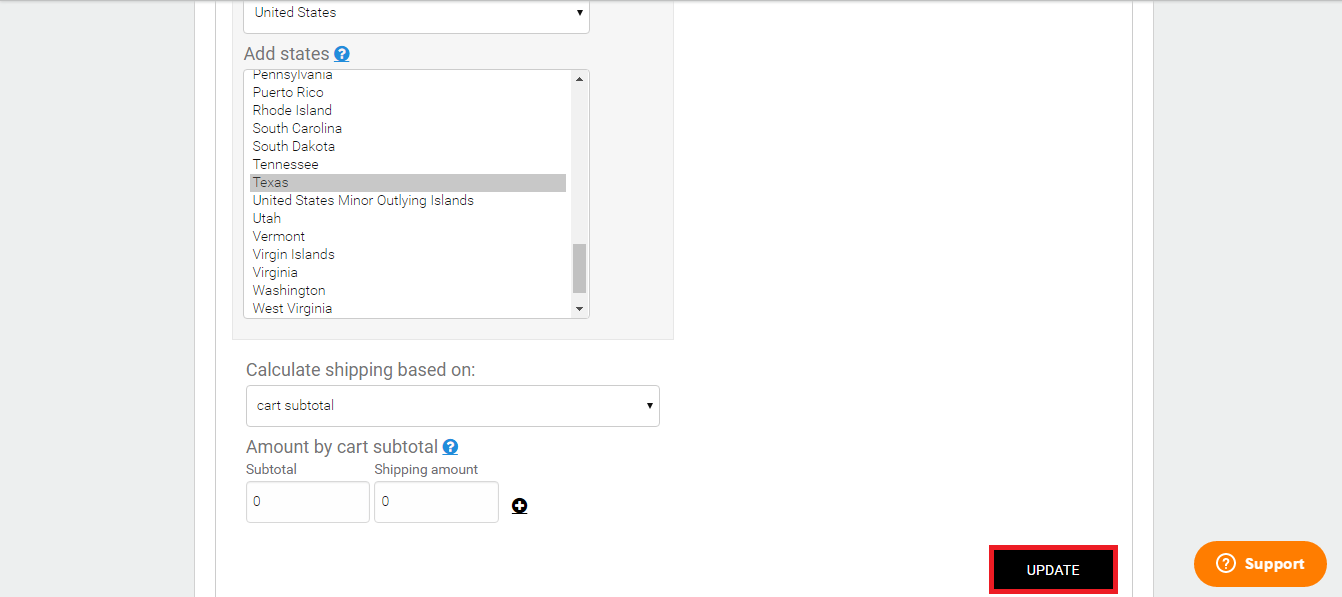
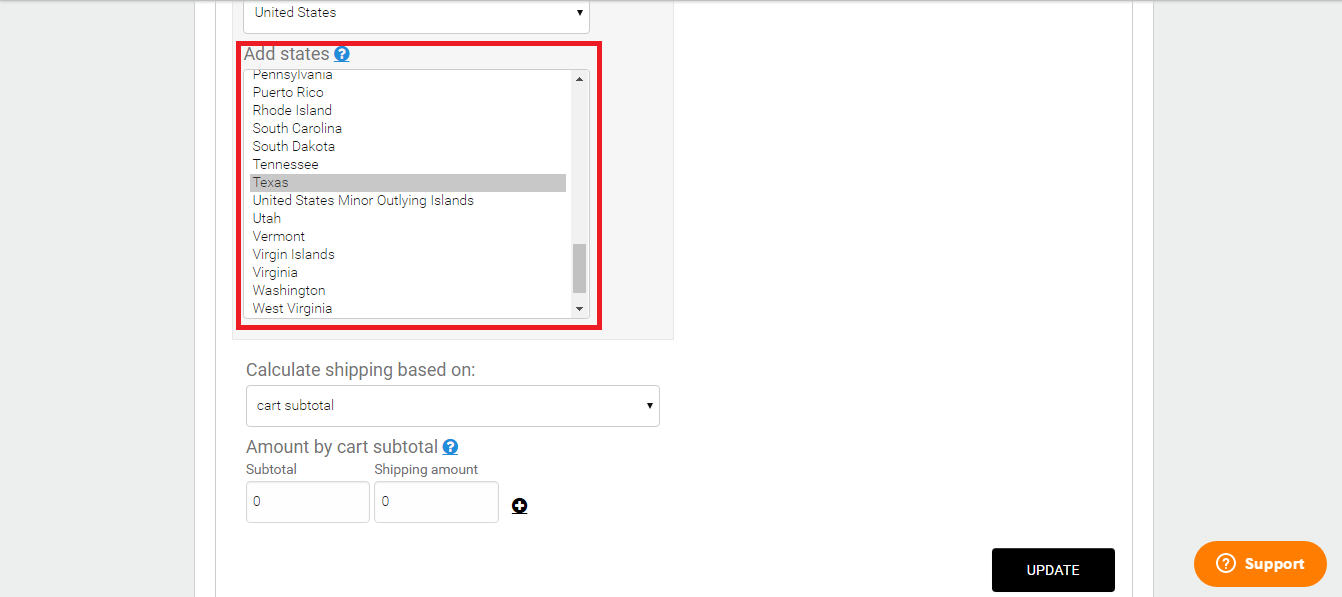
- In the Add States section, you will need to choose the state to which this in-store pick-up option will apply. In our example, we used Texas.
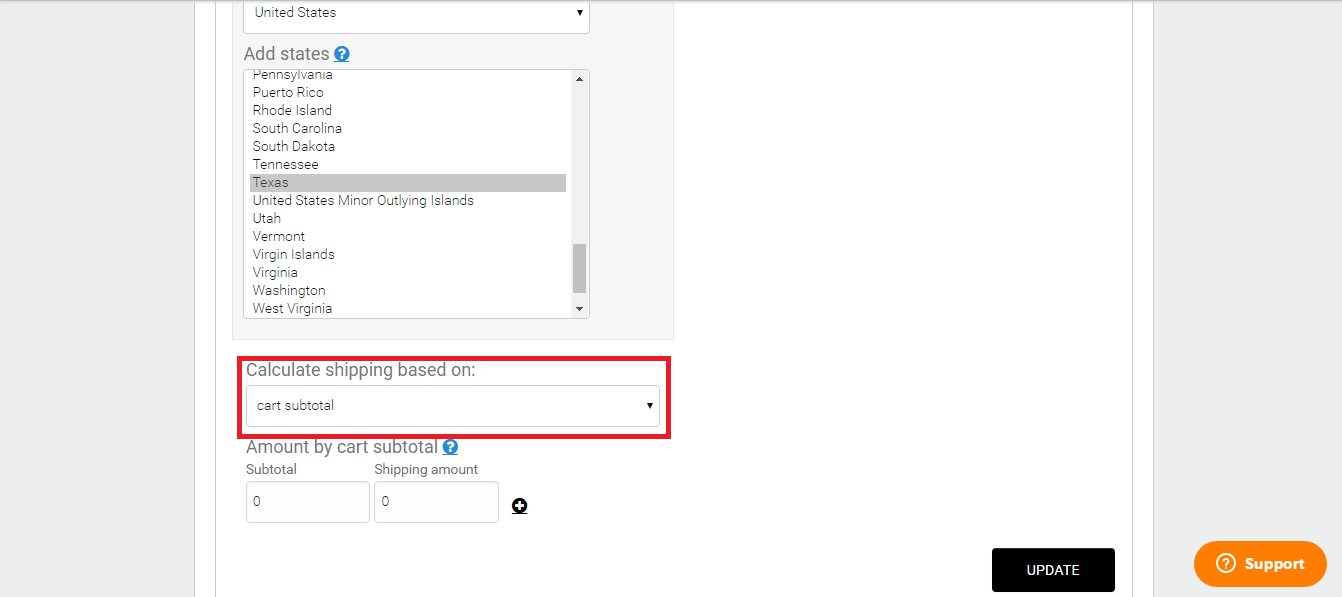
- Under Calculate Shipping Based On, you will want to choose Cart Subtotal.
- Under Amount By Cart Subtotal, you will need to enter a 0 in the Subtotal section and the Shipping Amount section.
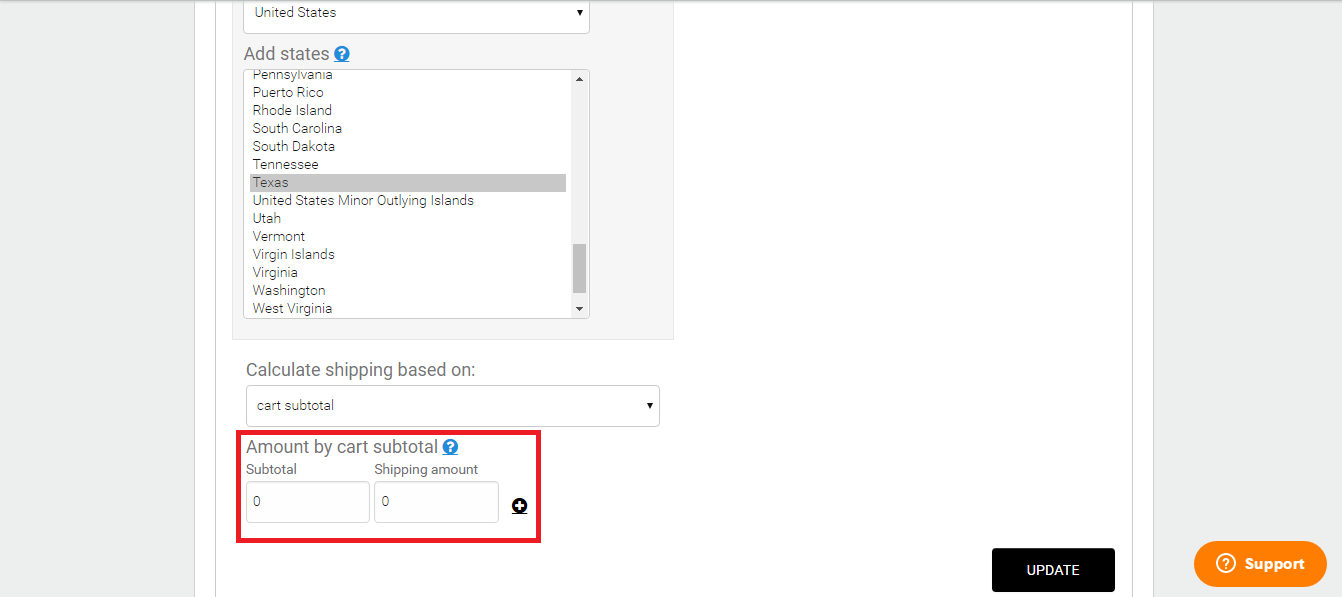
- When you are finished, click Update, and the Shipping Method will be available on your site.